Trusted by 10k+ teams

Free Google Maps Extractor with Email Google Maps Scraper

Extract business data from Google Maps and export it to CSV. A free Google Maps extractor that collects business names, phone numbers, available emails, websites, addresses, ratings, opening hours and other supported fields.

500 free credits daily27 supported export fieldsSearch and export directly online

Contact, Location, and Listing Data in One Structured CSV

Business Details

  • Business Name
  • Business Categories
  • Google Maps URL

Contact Data

  • Phone Number
  • Available Email
  • Website
  • Public Social Links

Location and Listing Data

  • Full Address
  • Average Rating
  • Review Count
  • Opening Hours

Identifiers and Media

  • Google Place ID
  • Google Maps CID
  • Featured Image
  • Total Photos

Export Google Maps Business Data to CSV

GMPlus collects publicly available business information from Google Maps and organizes it into a structured file. Export business names, phone numbers, available emails, websites, addresses, ratings, opening hours and other supported fields without copying listings one by one.

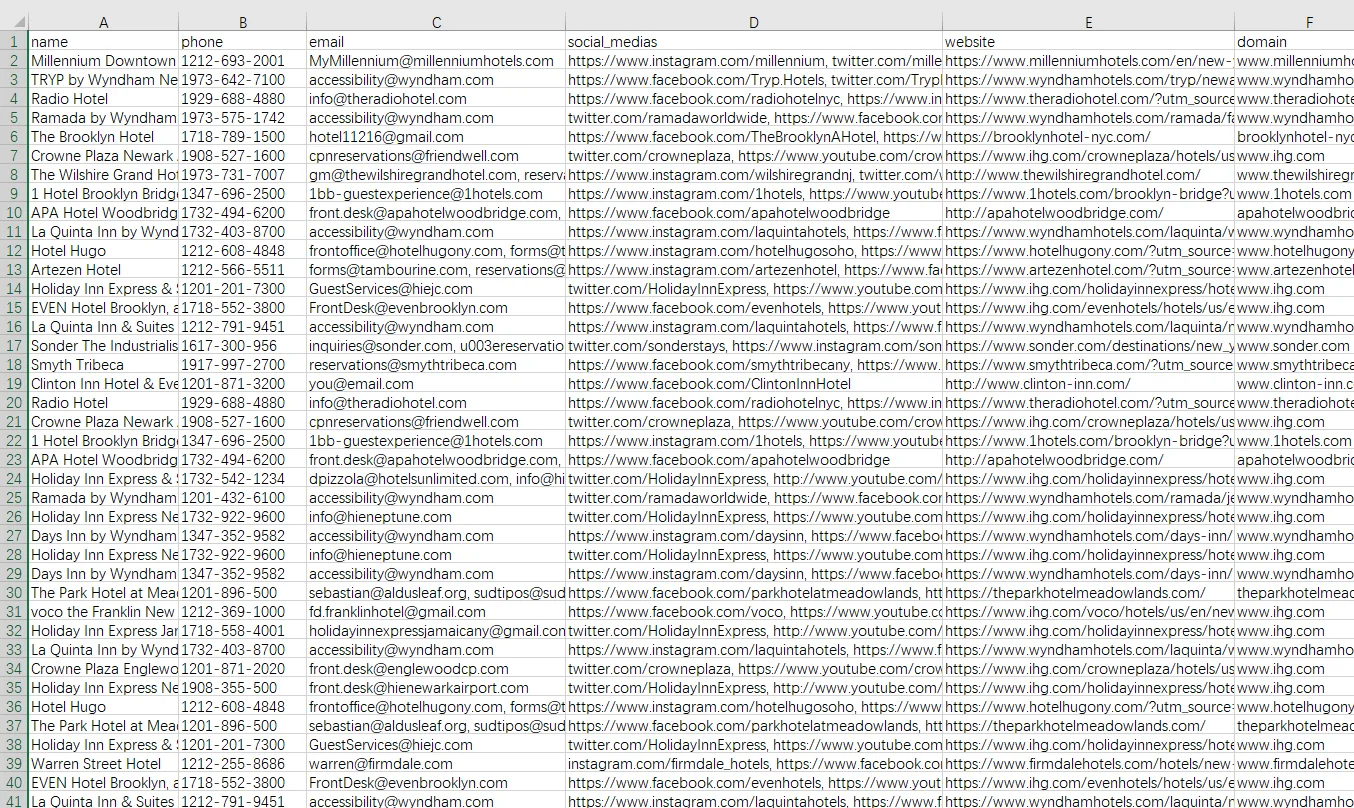
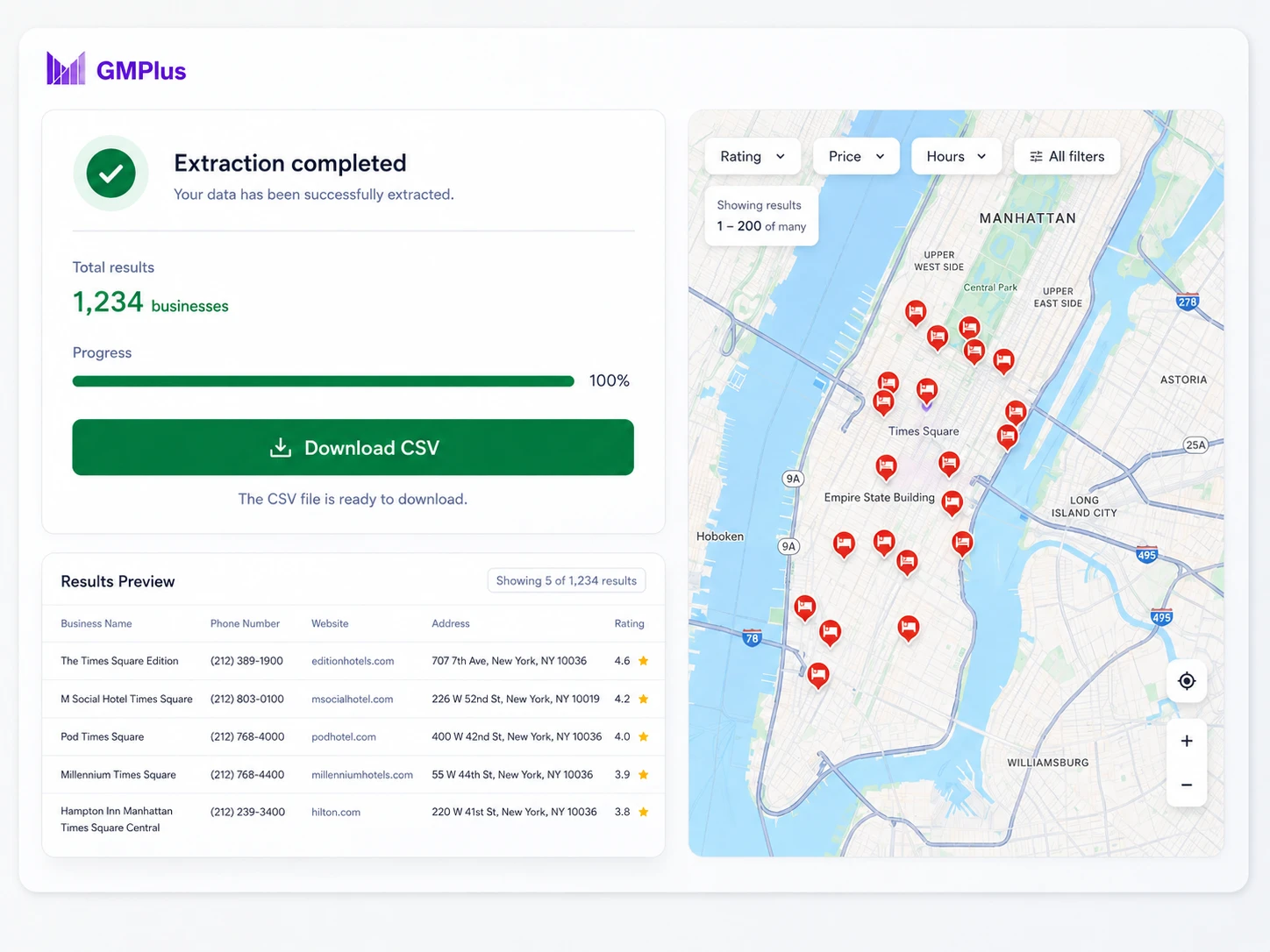
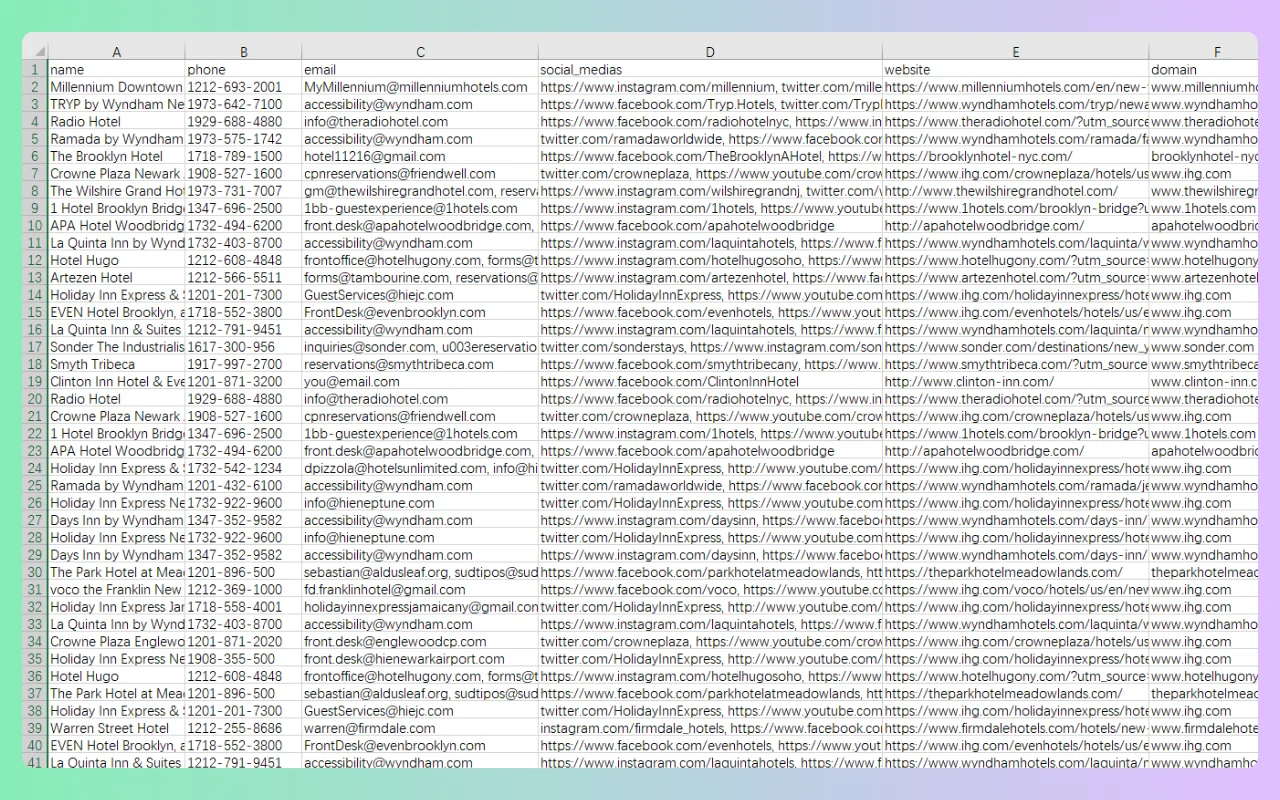
Google Maps scraper exporting hotel listings, websites, and domains to CSV

Download the "Hotels in New York" Sample CSV

What Data Can You Extract with Our Free Google Maps Scraper?

Use our Google Maps extractor to export up to 27 supported fields, including business details, contact data, locations, ratings, opening hours and listing identifiers.

Export ColumnField NameDescription
nameBusiness Name The public business or location name displayed on the Google Maps listing.
phonePhone Number The public phone number displayed for the business, when available.
emailAvailable Email An email address found on public pages associated with the business website. An email is not available for every business.
websiteWebsite The website URL linked from the Google Maps business listing.
social_mediasPublic Social Links Public social profile links associated with the business, such as Facebook, Instagram, LinkedIn, YouTube or X.
full_addressFull Address The complete formatted address displayed for the business.
categoriesBusiness Categories The primary and additional business categories associated with the listing.
average_ratingAverage Rating The public average rating displayed for the business, normally on a scale from 1.0 to 5.0.
review_countReview Count The total number of public reviews displayed for the business.
opening_hoursOpening Hours The public weekly opening hours displayed for the listing, when available.
google_maps_urlGoogle Maps URL A direct link to the selected Google Maps business listing.
place_idGoogle Place ID A textual identifier used to uniquely identify a place or business listing.
domainDomain The root domain derived from the listed website URL.
streetStreet Address The street-level portion of the business address.
municipalityCity or Locality The city, municipality or locality associated with the business address.
claimedClaimed Status Indicates whether the Google Maps listing is shown as claimed.
pricePrice Information Public pricing or price-range information displayed for the business, when available.
plus_codeGoogle Plus Code A location code generated from geographic coordinates, when a valid Plus Code is available.
latitudeLatitude The latitude of the business location expressed in decimal degrees.
longitudeLongitude The longitude of the business location expressed in decimal degrees.
featured_imageFeatured Image The URL of the primary image returned for the business listing, when available.
cidGoogle Maps CID A numeric identifier associated with a specific Google Maps business entity.
total_photosTotal Photos The total number of public photos associated with the listing, when available.
contributor_urlContributor URL A Google Maps contributor or profile URL returned with the listing data, when available.
book_online_urlBooking URL A public booking, reservation or appointment link associated with the business, when available.
feature_idFeature ID A Google Maps feature identifier returned with the listing data.
price_levelPrice Level A general price category, such as $, $$, $$$ or $$$$, when supported.

Try the Google Maps Extractor for Free!

How to Extract Data from Google Maps

Use the free Google Maps scraper to search by business type and location, choose the data you need, and download the completed results as a CSV file.

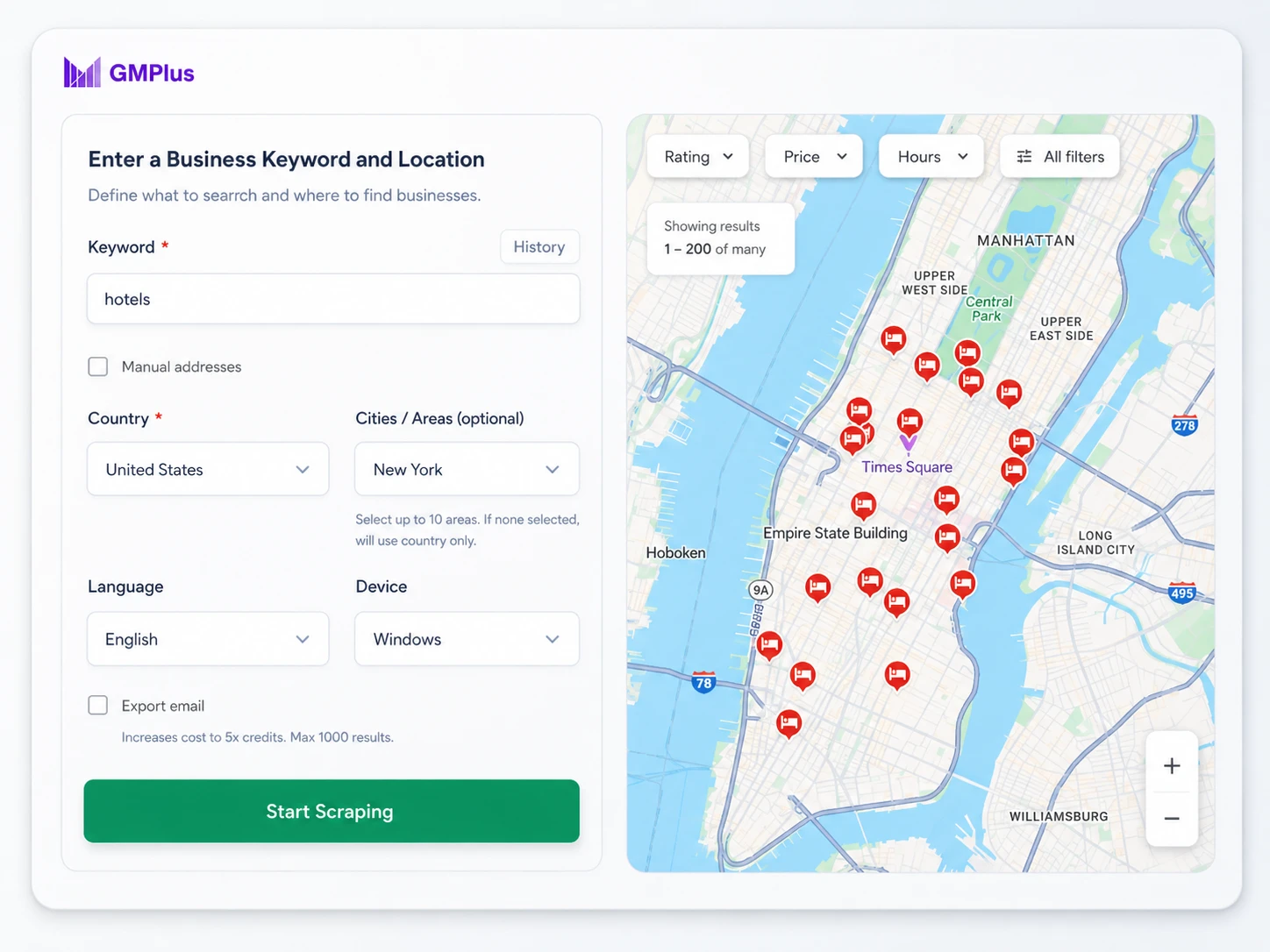
Google Maps extractor form for entering a business keyword, country, city
1

Enter a Business Keyword and Location

Enter a business category, keyword or location, such as "hotels in New York" or "dentists in Chicago."

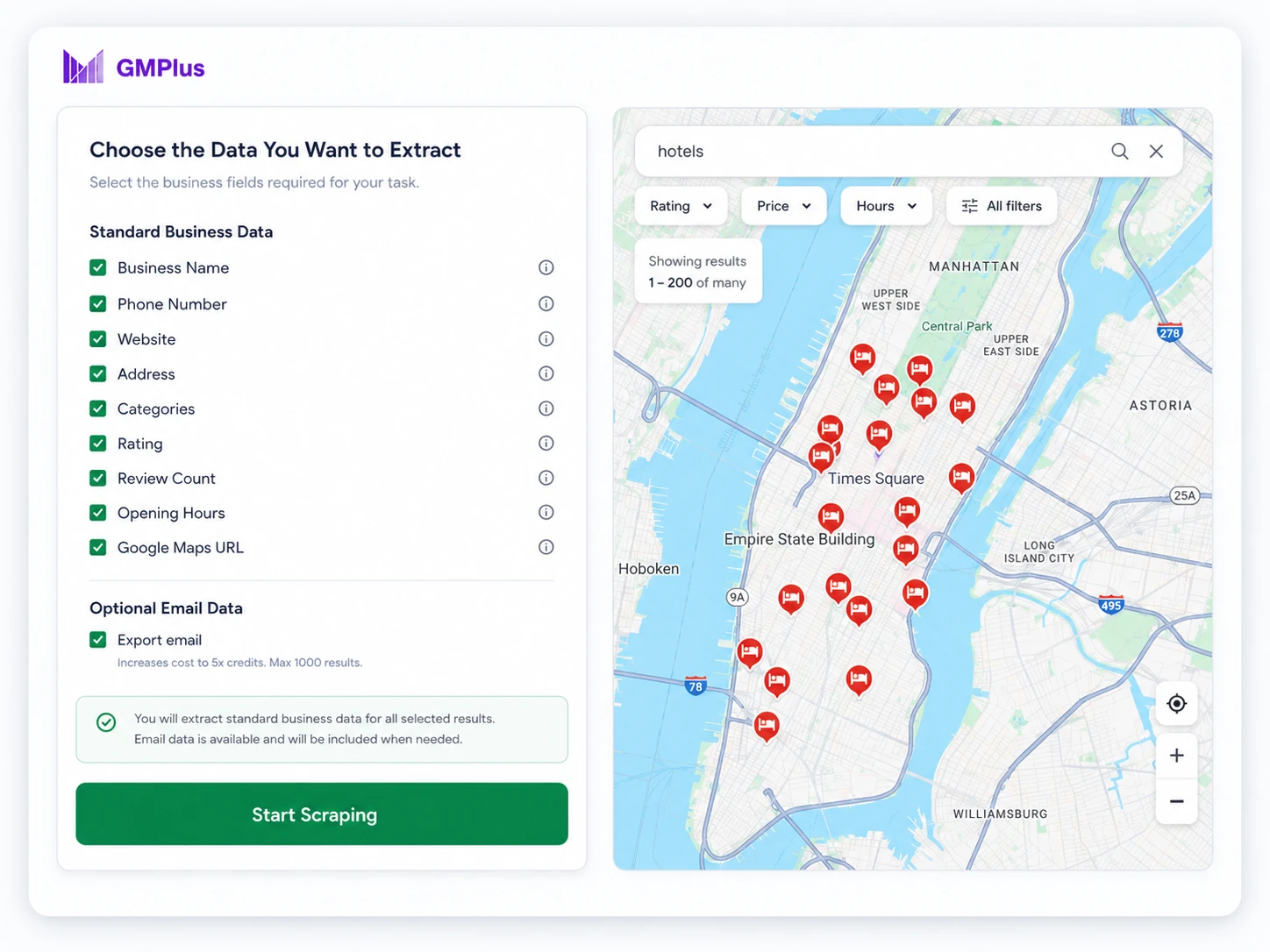
Select standard business fields and optional email data in the GMPlus Google Maps scraper
2

Choose the Data You Want to Extract

Select the business fields required for your task. You can extract standard business data or include available email data when needed.

Completed Google Maps data extraction and download to CSV
3

Download the Completed CSV File

Click the button to start extracting. When the task is complete, download the results as a CSV file.

Extract More Google Maps Business Data in Less Time

Unlock effortless business datas with our Google Map Extractor Free! Seamlessly extract phone numbers, emails, addresses, and social profiles from Google Maps with one click.

Extract Google Maps Data Online

Use the Google Maps extractor directly on the website. No browser extension, API key, or coding is required.

Collect Up to 27 Business Data Fields

Extract business names, phone numbers, websites, available emails, addresses, categories, ratings, opening hours, Place IDs, and other supported Google Maps data.

Download Structured Results to CSV

Once the extraction is complete, download the full extracted dataset for free as a structured CSV file, ready to filter, organize, and use.

Practical Ways to Use Google Maps Business Data

Use extracted Google Maps business data to build focused lead lists, find service opportunities, compare competitors, research new markets, and identify potential suppliers or business partners.

Build Targeted Lead Lists from Google Maps

Looking for dentists in Chicago, hotels in Miami, or marketing agencies in London? Search by business type and location to collect relevant company names, phone numbers, websites, available emails, addresses, categories, and Google Maps URLs.

The completed CSV gives you one place to remove irrelevant listings and keep the businesses that match your target industry or location.

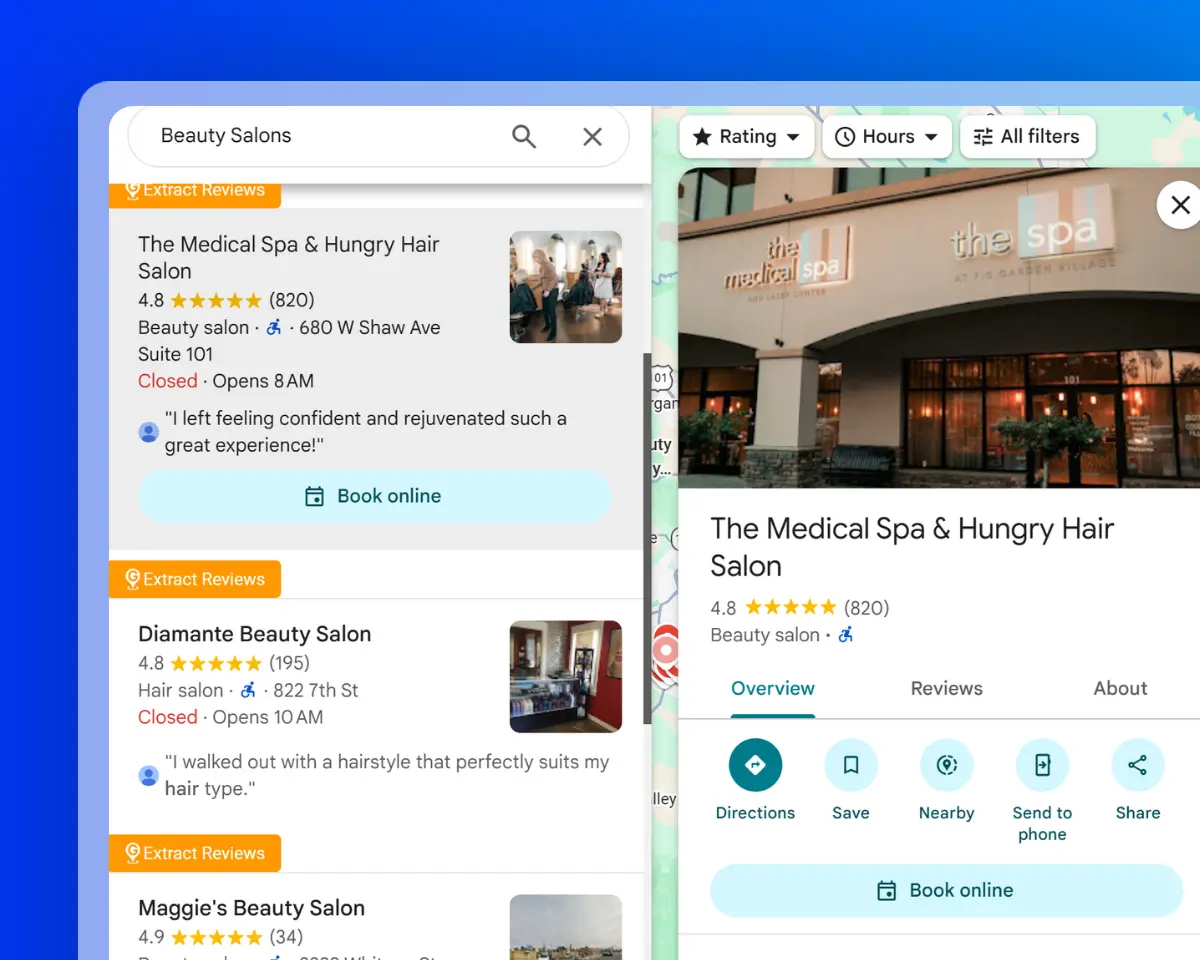
Beauty salon listings from Google Maps for local business researc

Find Local Businesses Without Websites

Use the website and domain fields to identify businesses that do not appear to have an active website.

Combine these results with available phone numbers, addresses, ratings, and review counts to create a more focused list for web design, local SEO, digital marketing, or other business services.

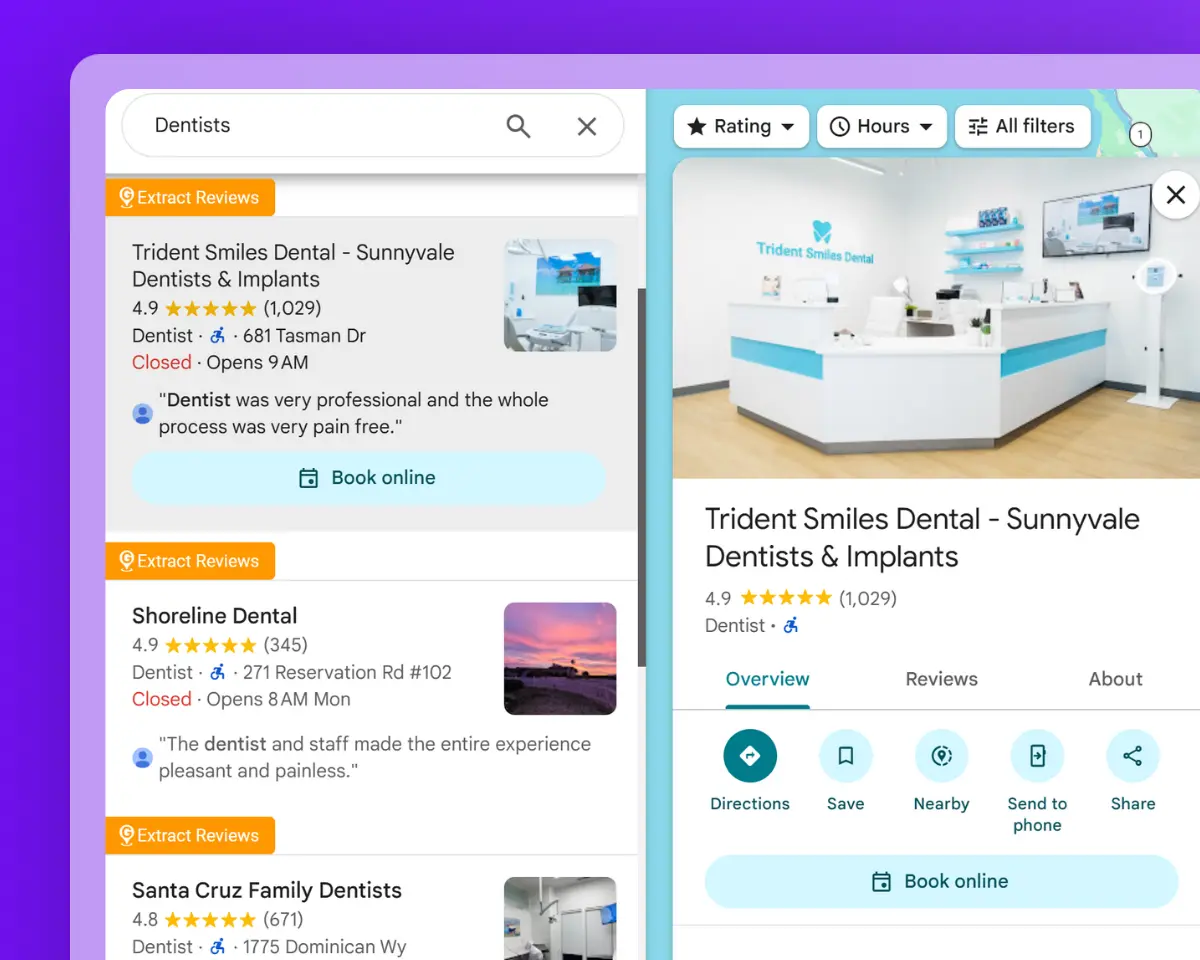
Dentist listings collected from Google Maps for a targeted lead list

Compare Businesses in the Same Local Market

Collect listings from the same business category and location, then compare their ratings, review counts, opening hours, websites, photos, price levels, and other available listing details.

This makes it easier to identify well-established competitors, incomplete Google Maps listings, and gaps within a local market.

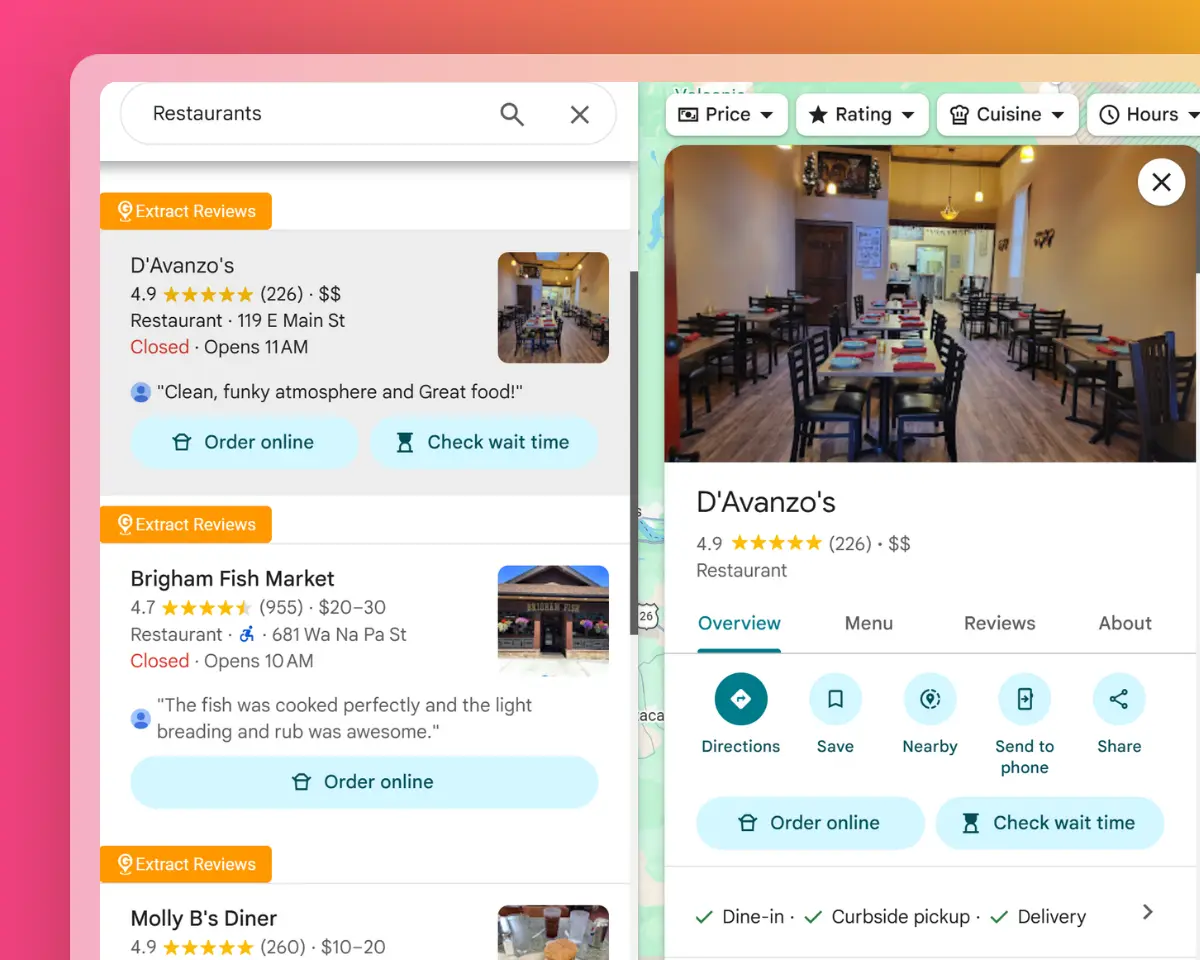
Restaurant listings compared by ratings, reviews, and opening hours

Research New Cities and Service Areas

Run the same business search across different cities, neighborhoods, or regions to compare the number and distribution of relevant businesses.

Use addresses, municipalities, latitude, longitude, Plus Codes, and Google Maps URLs to organize the results by territory and evaluate potential markets or service areas.

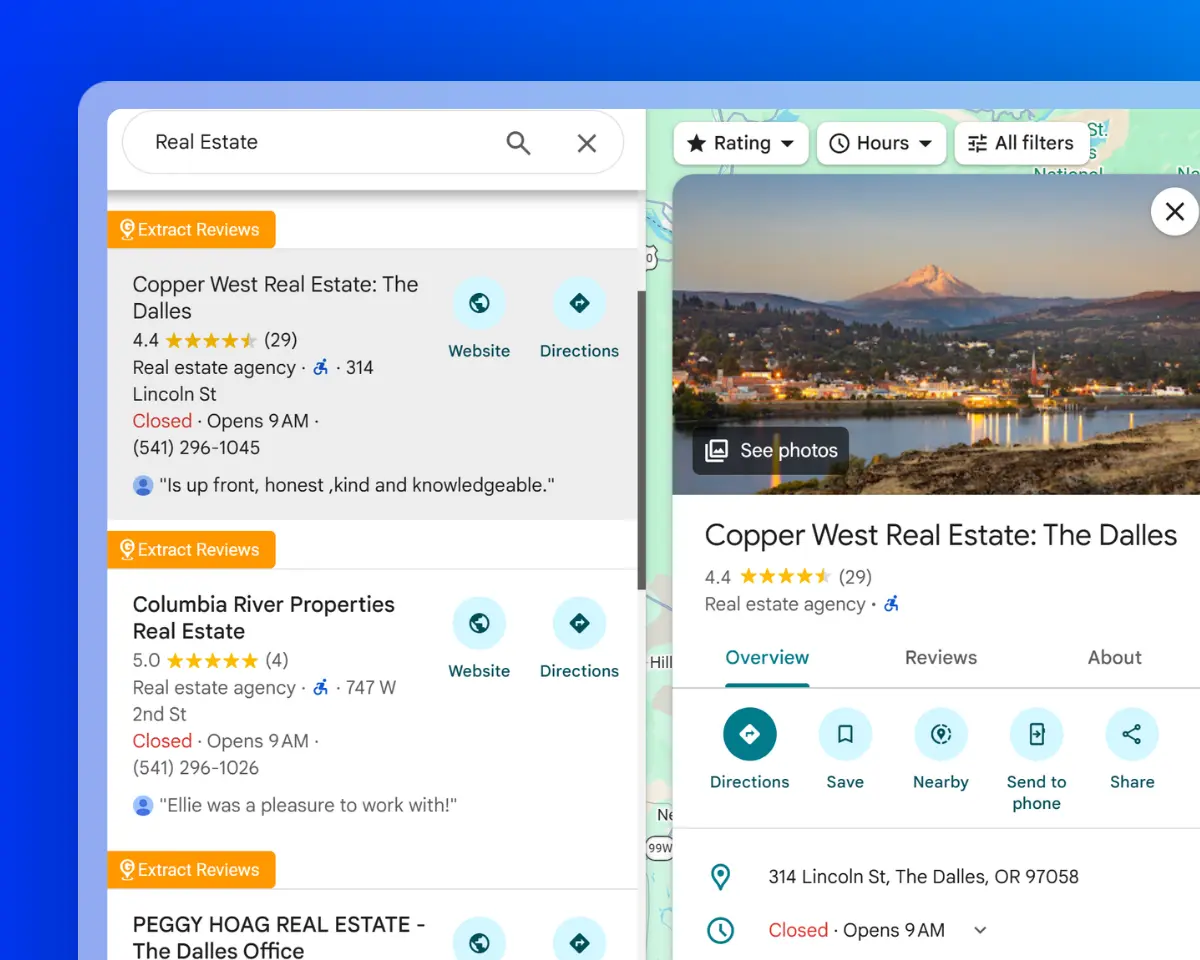
Real estate agency listings organized by location for market research

Find Suppliers and Business Partners

Search for manufacturers, distributors, wholesalers, agencies, venues, service providers, or other potential partners in a selected region.

Export available contact details, websites, categories, addresses, opening hours, ratings, and booking links to compare suppliers, research vendors, or prepare a partnership list.

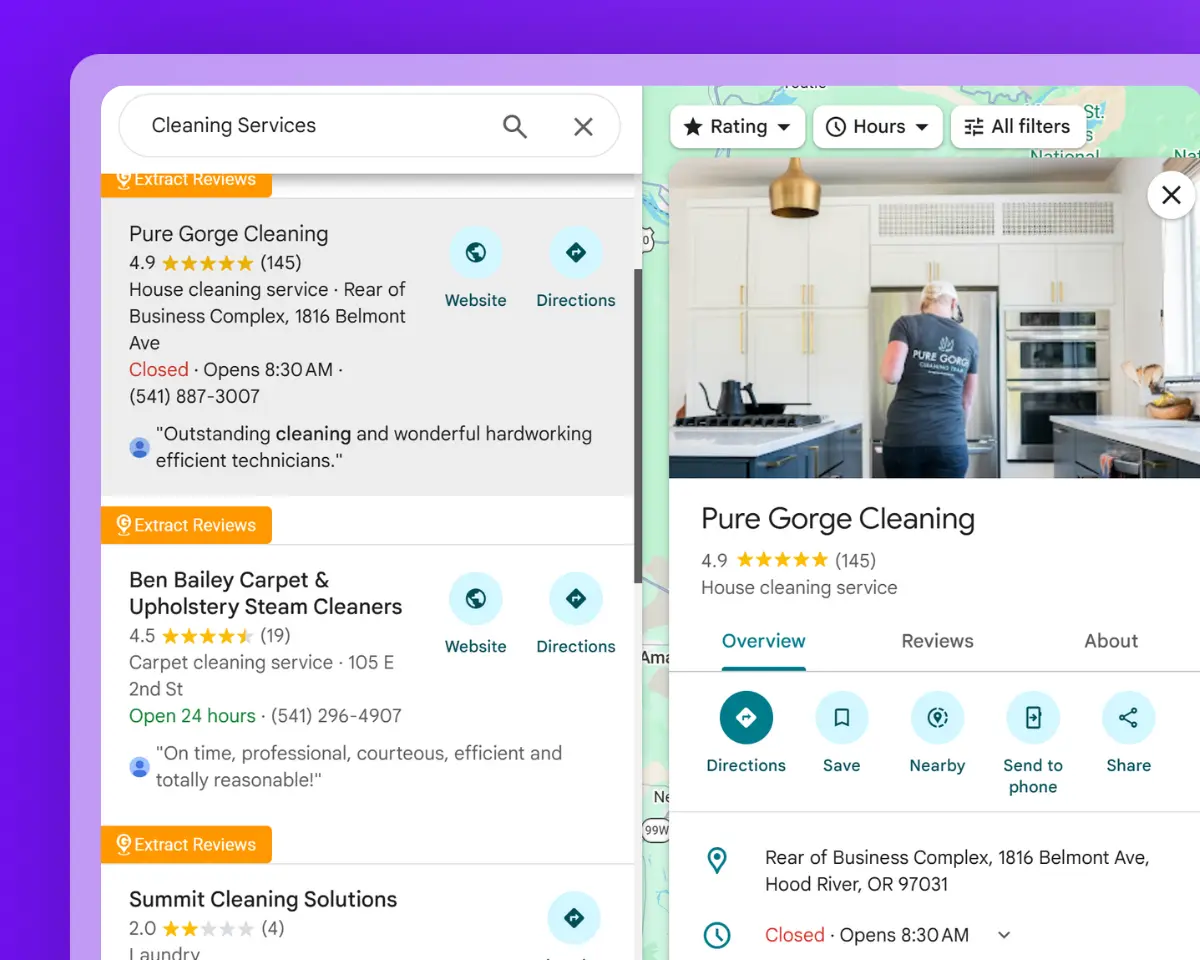
Local cleaning service providers collected for supplier and partner research

Collect the Business Data You Need with a Google Maps Extractor

Search for relevant businesses, collect available contact and listing details, and download the complete extracted data for free as a structured CSV file.

Target Businesses by Category and Location

Narrow the search to the business type and area relevant to your task. Use categories, keywords, cities, regions, or countries to collect more focused Google Maps listings.

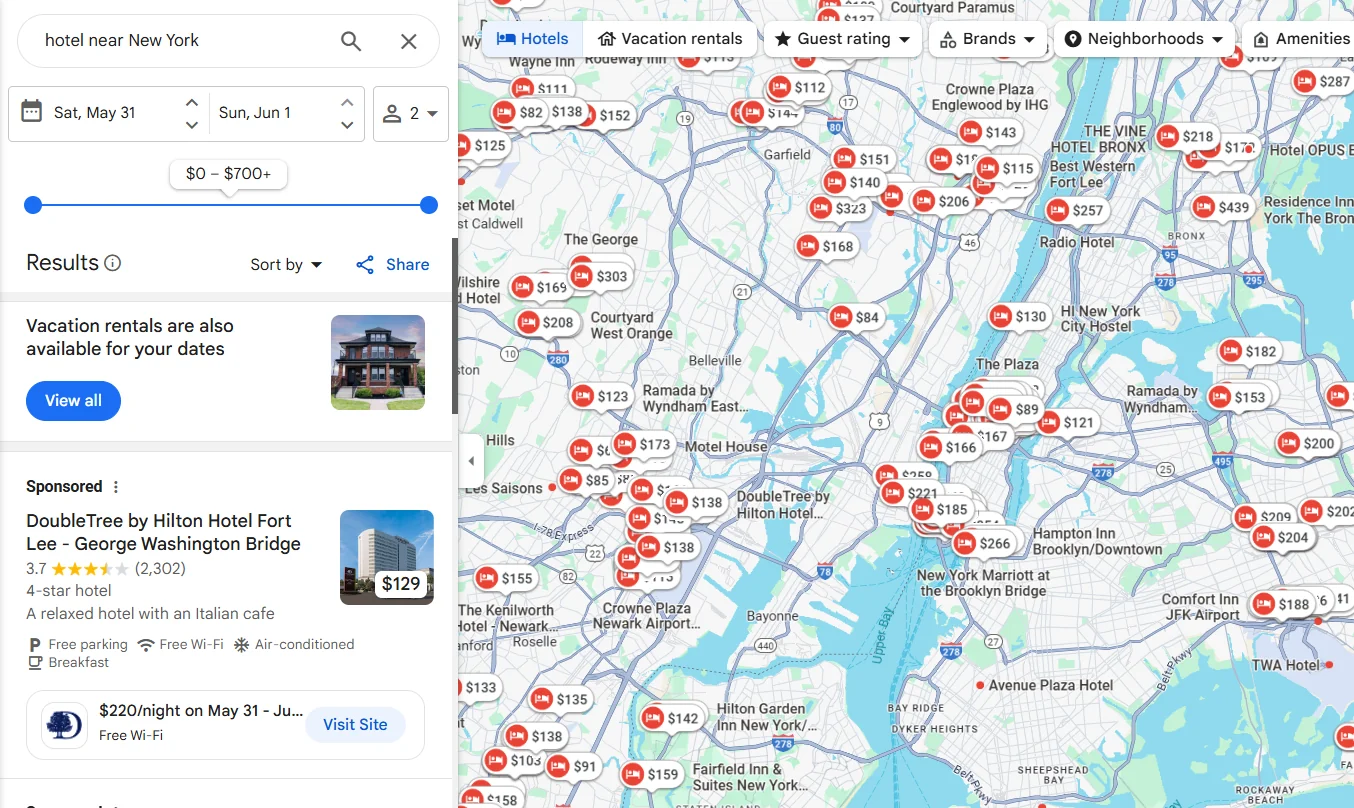
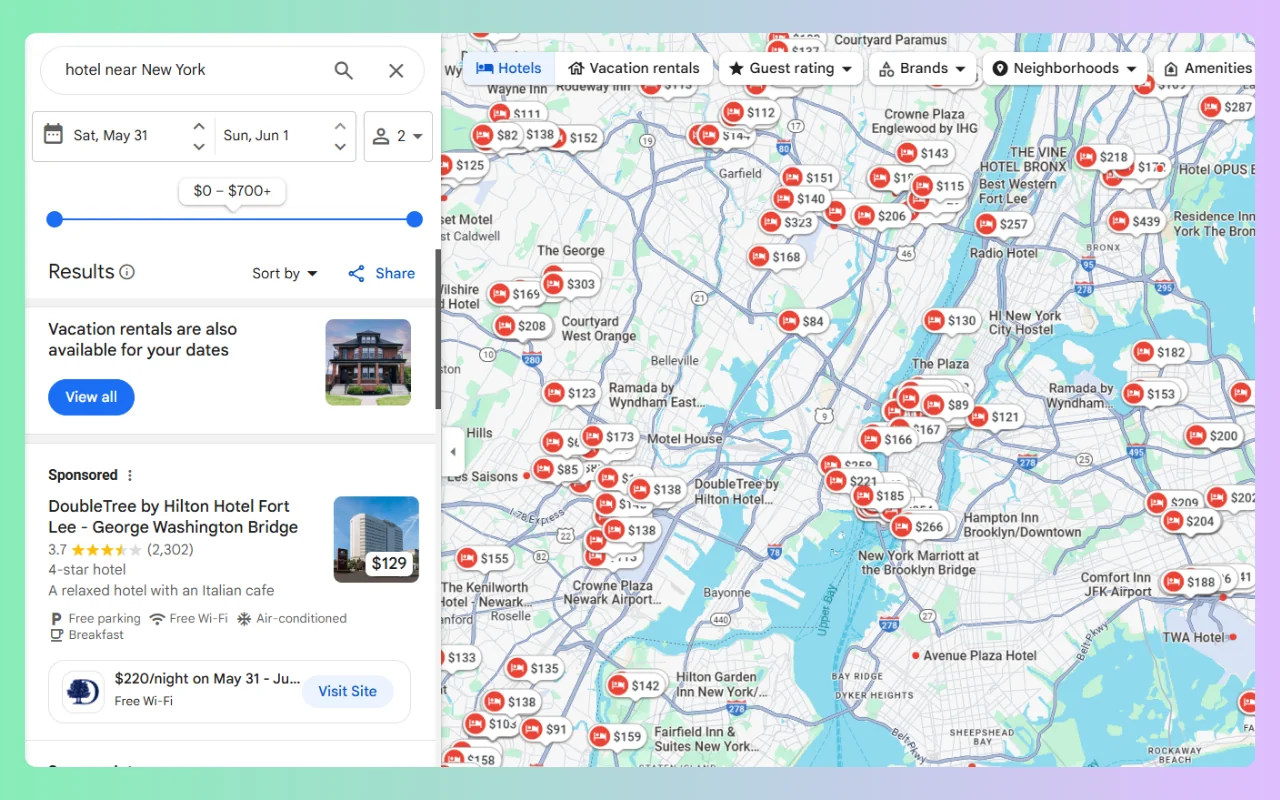
Google Maps extractor collecting hotel listings

Find Available Business Emails

Collect business names, phone numbers, websites, and available email addresses in the same export. Email addresses are included when they can be found from supported public sources associated with the business.

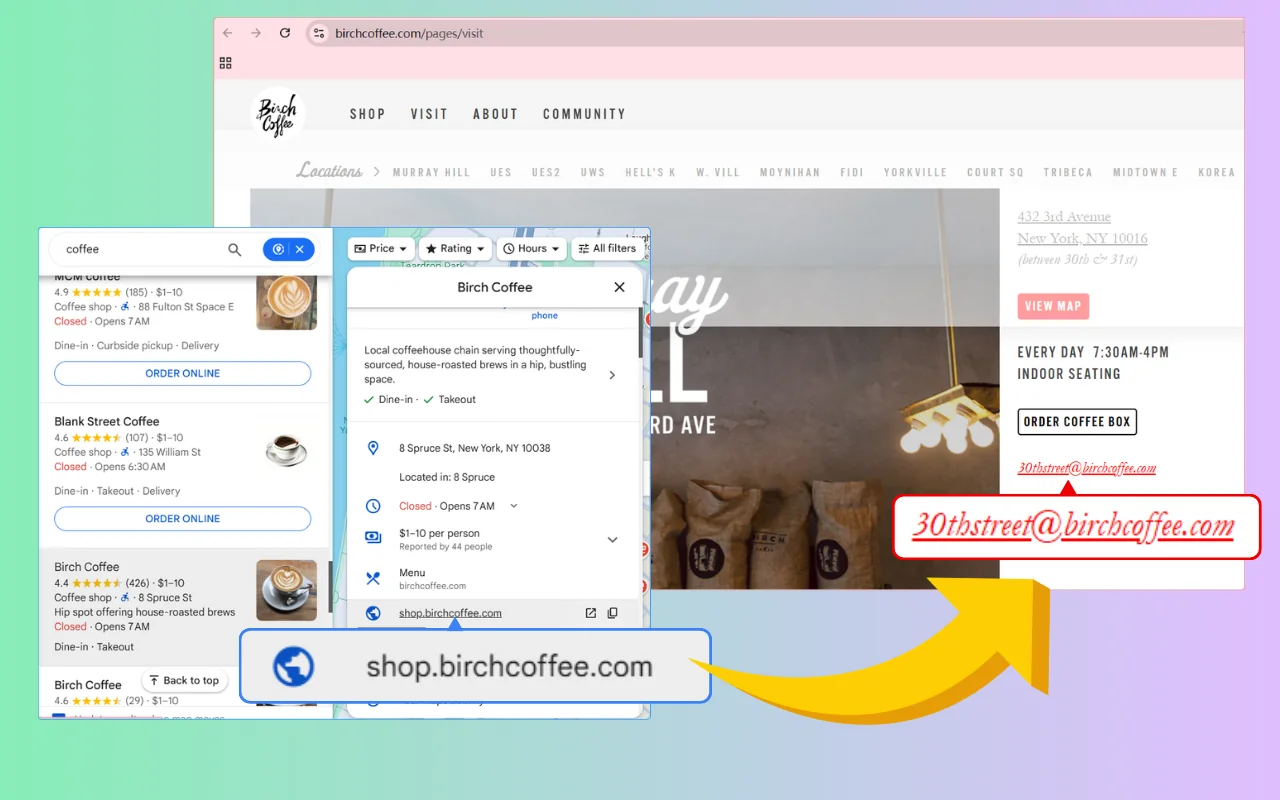
Google Maps email extractor finding an available business email

Export Detailed Google Maps Listing Data

Extract ratings, review counts, opening hours, addresses, coordinates, Google Maps URLs, Place IDs, photo counts, and other supported listing fields.

Google Maps data extractor exporting business listings to CSV

This free Google Maps Email Scraper saved me from copying business details one listing at a time. I was able to collect names, phone numbers, websites, and addresses from Google Maps, then download everything in a single CSV file. It saved me a lot of trouble.


Google Maps Email Scraper
Kara

I wanted a simple way to organize local business listings, and this g map extractor did the job. The process was easy to follow, and the CSV made it much easier to sort through the results.


Google Maps Email Scraper
Jeffrey Gonzalez

The Google Map Data Extractor's email extraction feature was especially helpful for my business research. Not every listing included an email address, but having the available contact details, website, and phone number all in one place saved me a lot of time.


Google Maps Email Scraper
Michael 

Frequently Asked Questions About the Google Maps Extractor

Find clear answers about supported data, daily credits, email availability, CSV exports, Place IDs, opening hours, and how to use the Google Maps extractor online.

What does a Google Maps extractor do?

A Google Maps extractor collects available business information from Google Maps and organizes it into a structured CSV file. With GMPlus, you can search by business type and location, start the extraction online, and download the completed results.

Is GMPlus a free Google Maps scraper?

Yes. Each account receives 500 credits every day.

A standard business record uses 1 credit. A record with email extraction selected uses 5 credits. Credits refresh daily, and completed results can be downloaded as a CSV file at no additional charge.

What data can I extract from Google Maps?

You can extract available contact, location, rating, opening hours, Google Maps identifiers, and other supported business listing data. Field availability varies by business.

Can I extract emails and phone numbers from Google Maps?

Yes. GMPlus can collect available business phone numbers and look for publicly available email addresses associated with supported listings.

Phone numbers usually come from the business listing. Emails may be found from supported public sources connected with the business, such as its linked website. An email or phone number is not guaranteed for every result.

How do I extract data from Google Maps?

Enter a business category, keyword, and location, then choose the data you want to collect.

Click the extraction button to start the process. When the task is complete, download the full results as a structured CSV file.

Can I export a Google Maps list to CSV?

Yes. Completed Google Maps business data can be downloaded as a CSV file.

Each business appears in a separate row, with available contact, location, rating, and listing details arranged in separate columns. The file can be opened in Google Sheets, Microsoft Excel, or another application that supports CSV files.

Do I need a Google Map extractor extension or API key?

No. GMPlus works online through the website.

You do not need to install a browser extension, download an application, configure a Google Maps API key, or write any code.

Can GMPlus export Google Place IDs and opening hours?

Yes. Available Google Maps Place IDs, CIDs, opening hours, latitude, longitude, Plus Codes, and listing URLs can be included in the exported data.

Place IDs are collected as part of the business dataset. GMPlus is not a separate tool for looking up one Place ID at a time.

Why are some fields empty in the CSV?

Not every Google Maps listing contains the same information.

Fields such as email, phone number, website, opening hours, booking URL, social media links, pricing, and photo data may be empty when the business has not made that information publicly available.

Can I extract businesses from different cities and countries?

Yes. You can combine a business category or keyword with a city, region, or country.

For example, you can search for dentists in Chicago, hotels in Tokyo, restaurants in Paris, or marketing agencies in Singapore. The available results depend on the selected search and the businesses shown for that location.